Photographing a collection
Every listing is read against its manifest by a person before it goes live. Photographs are the most common reason one comes back, and almost always for something that takes a minute to fix and a day to find out about. This is what we are looking at.
What is required
- At least one photograph of how the collection is stored. A binder page, a shelf, a box as it sits. Every page of the binder is better and is not required.
- Front and back of every card you state at $30 or more. Both sides, one card per photograph. Capped at 120 photographs, so a very large collection does not become a day’s work.
- One photograph of every sealed product, whatever you state it at. Not two, and not a front and a back — a booster box has no informative back. You choose what the frame shows, which is why the section below is worth reading before you take it.
- JPEG or PNG, at least 1,000px on the long edge, under 25MB each.
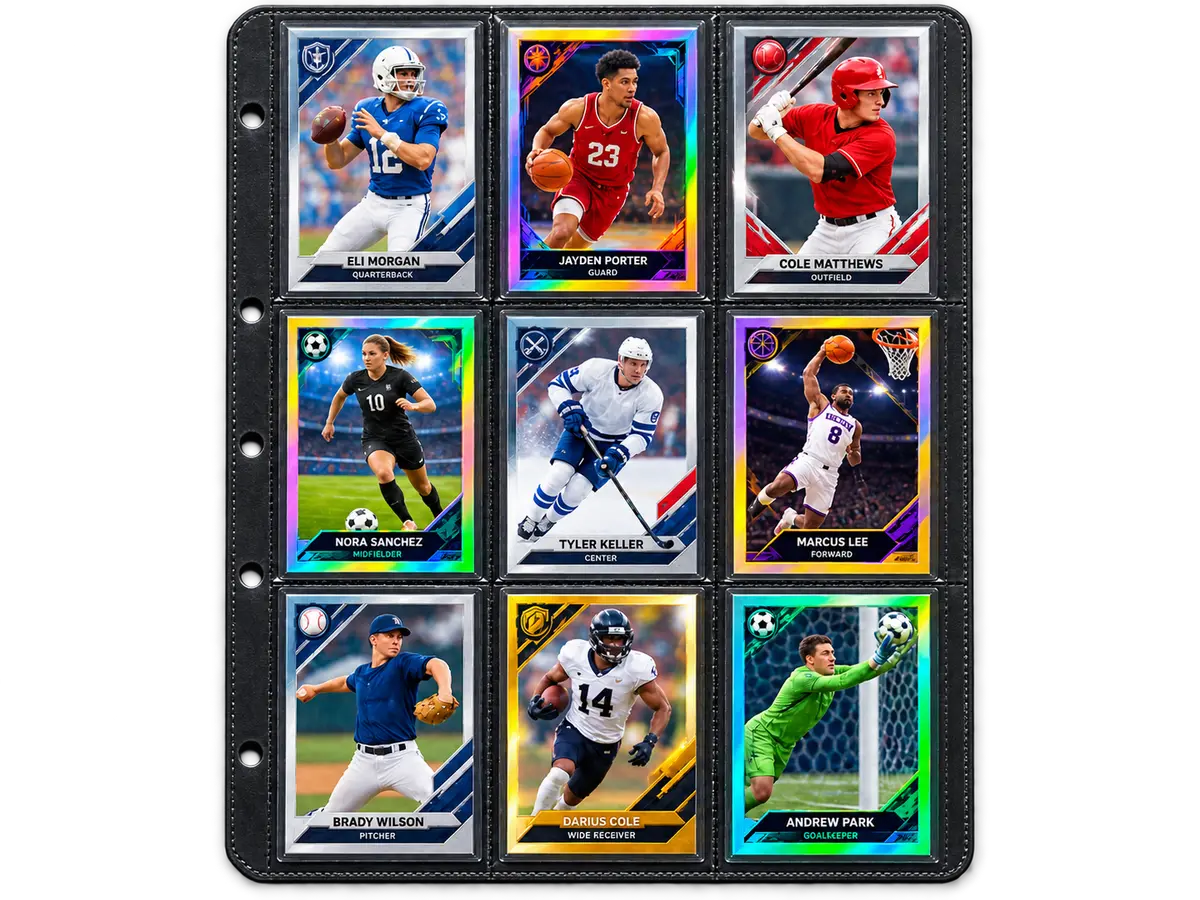
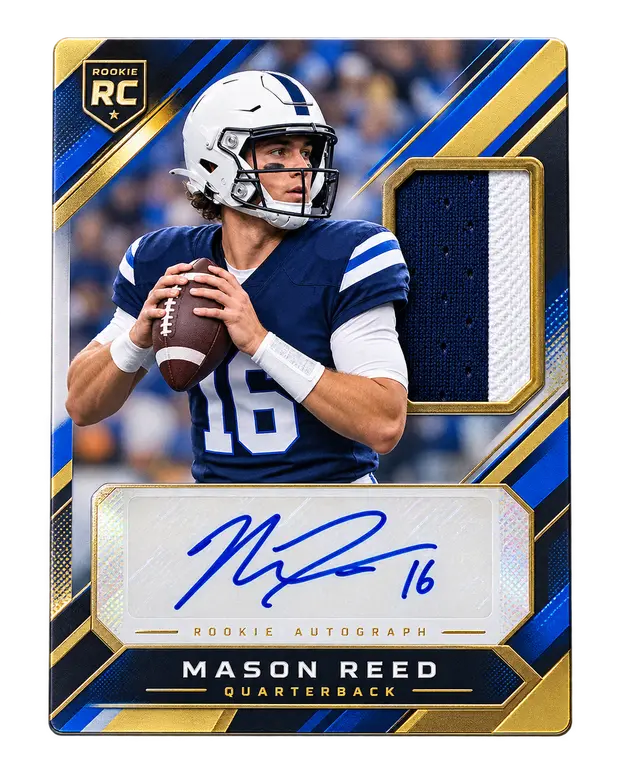
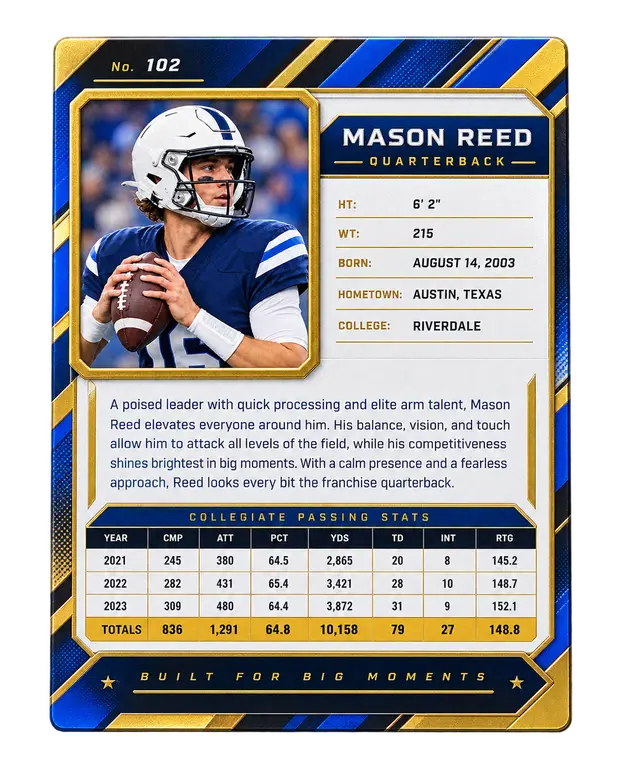
The threshold is $30 because that is roughly where a card stops being part of a lot and starts being a reason somebody buys it. Below it the manifest is the record; above it a buyer wants to see the thing.
It does not apply to sealed product, and that is deliberate rather than an oversight. The threshold is a proxy for what a buyer stands to lose on a card, and the question about a sealed item is a different one — whether it is sealed, and whether it is the product the manifest names. A cheap pack answers that no better unphotographed than a booster box does, and cheap sealed product is where a substitution is least likely to be argued over. So every one of them carries a picture, and one is enough.
Photographing a sealed product
This is the one place where the photograph is not evidence of condition but evidence of the thing a buyer cannot check for themselves. A box can be opened, searched and re-wrapped, and the only way anybody tells is the wrap. Nobody can open it to be sure without destroying what they paid for — so what you photograph now is what the sale is judged against later.
You get one frame and you decide what is in it. On most product a three-quarter angle carries both jobs at once: the face square enough to read the set and the product, and a seamed edge with the shrink visible along it. If you have to choose, choose whichever a buyer would doubt — the seal on a sealed box worth real money, the label on a pack nobody would bother re-wrapping. Nothing stops you adding a second, and on an expensive box you should.
- The seal, close and in focus. The seams down the sides and the flaps at the ends, where a re-wrap shows. If the shrink has a factory crimp or a perforation, get it in frame.
- The product as it is, whole and square on, so the buyer can see it is the set and the product the manifest names.
- Any damage to the box, deliberately. A dent you photographed is a dent the buyer accepted. A dent you did not is a dispute you will lose, and it is worth far less than the sale.
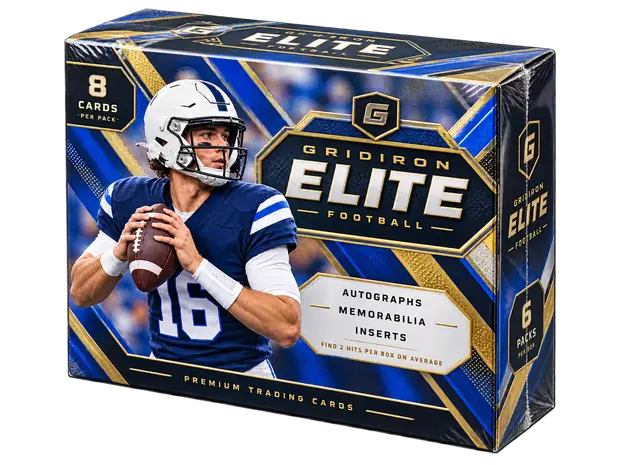
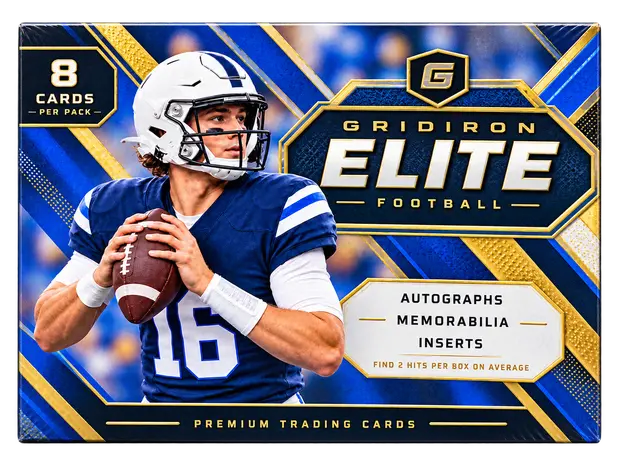
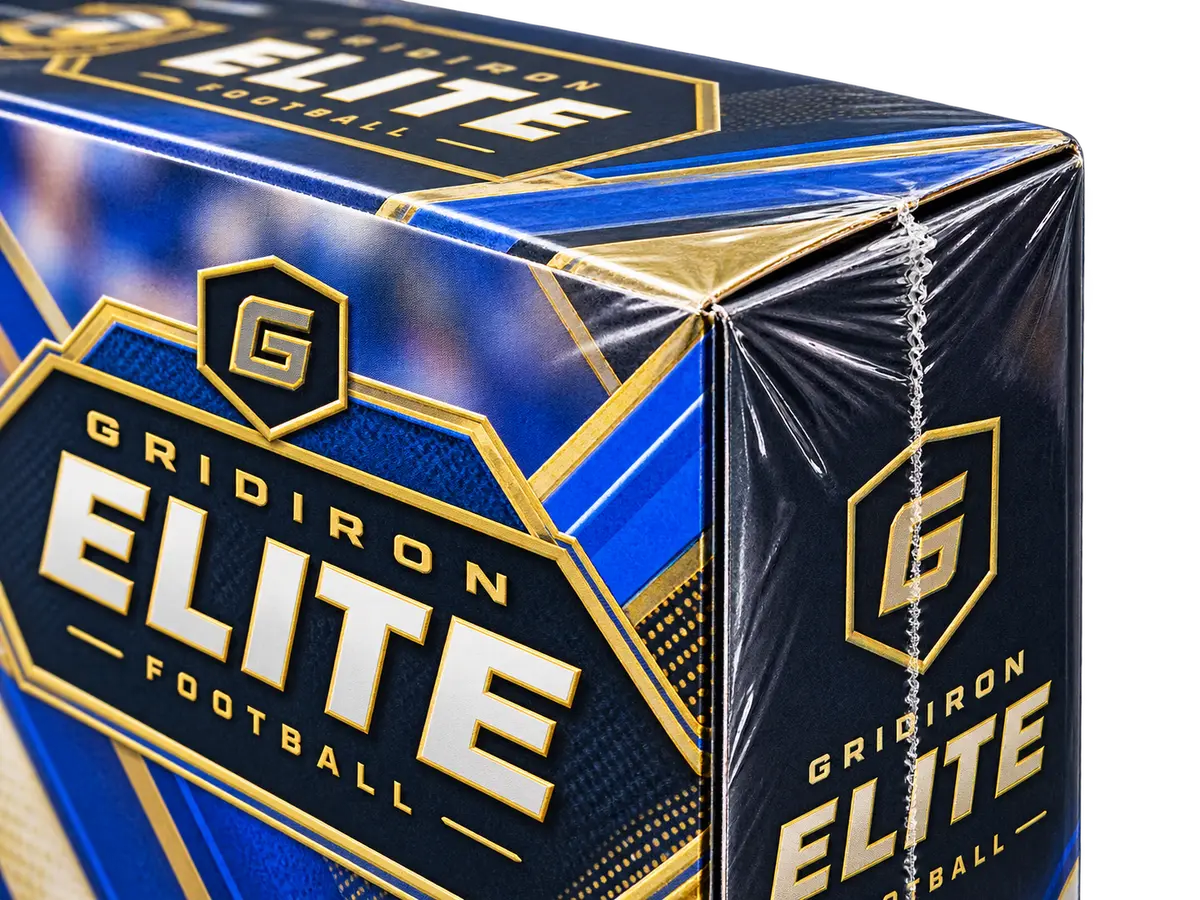
You are not being asked to promise what is inside. Nobody can, and the buyer protection policy says so plainly. You are promising the product is what you say and its seal is as you show it.
What sends a listing back
Five reasons, and three of them are about photographs. In the order a reviewer sees them.
Photographs unclear
The commonest one by some distance. A photograph that looks fine on a phone can be unusable at the size a buyer zooms to — we keep a 2,600px copy, and that is what somebody deciding on four figures will be looking at.
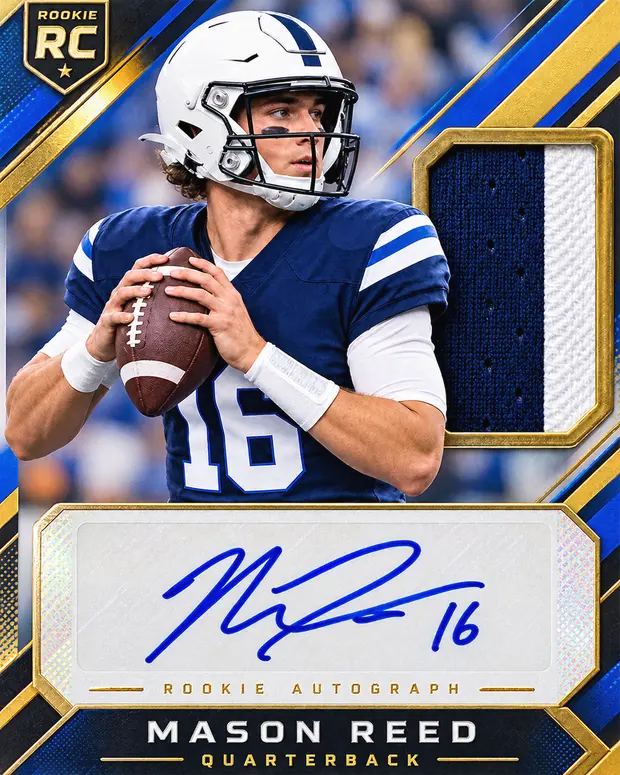
- Square on, not at an angle. Hold the camera parallel to the card. A tilted photograph makes centering impossible to judge, and centering is most of what a grader is paid for.
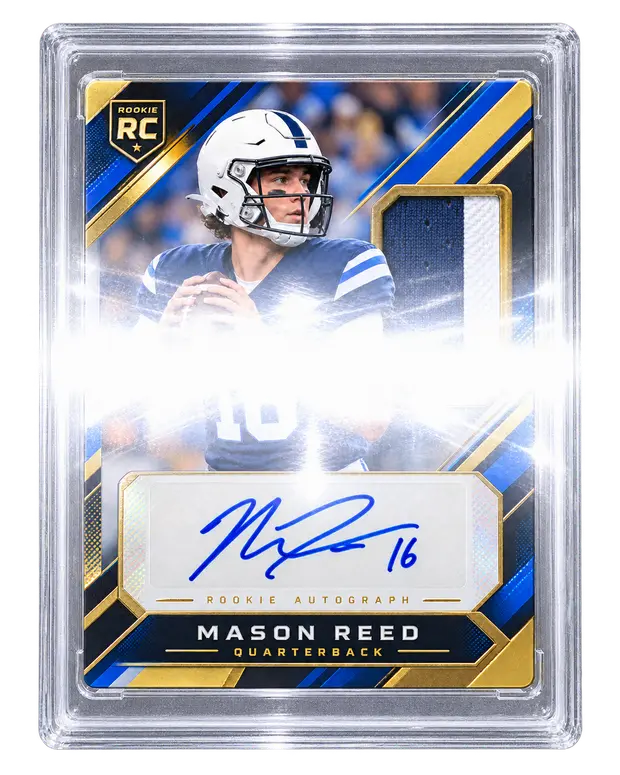
- Daylight, indirect. No flash. A flash mirrors off a slab, a sleeve or a foil and takes the middle of the card with it. Near a window on an overcast day is the easiest good light there is.
- Fill the frame, but do not crop the edges off. Corners and edges are where condition is judged. A photograph cropped to the art is a photograph of the wrong thing.
- Take it out of the toploader if you can. If you would rather not, tilt slightly until the glare moves off the card.
Photographs do not match the manifest
The manifest says Charizard, Base Set, Near Mint; the photograph shows a different printing, or a card in worse condition than the row claims. This is the one that costs a seller the most, because it reads as carelessness at best.
- Photograph the card in front of you and attach it to that row. It is easy to work from a list and attach in the wrong order.
- Check the set symbol and the edition mark, not just the artwork. Base Set and Base Set 2 look identical at a glance and are not worth the same.
- If a card is worse than the row says, change the row. A stated condition that matches the photograph never causes a problem; one that flatters it causes a dispute after the sale, which is worse for you than a rejection now.
Missing required photographs
A card stated at or above $30 with only a front, or with none — or a sealed product with none at all. The listing form counts these for you and will not submit without them, so this usually means a photograph failed to upload rather than that nobody took it — worth a look at the count before you submit.
Personal information visible
We remove location data from every photograph automatically (see below). What we cannot remove is what is in the frame.
- Post, a parcel label, or anything with your address on it.
- A screen with your email or accounts open.
- Reflections. A slab is a mirror, and it has more than once caught a room, a face, or a window with a house number across the road.
A plain surface with nothing else on it solves all three and takes no longer.
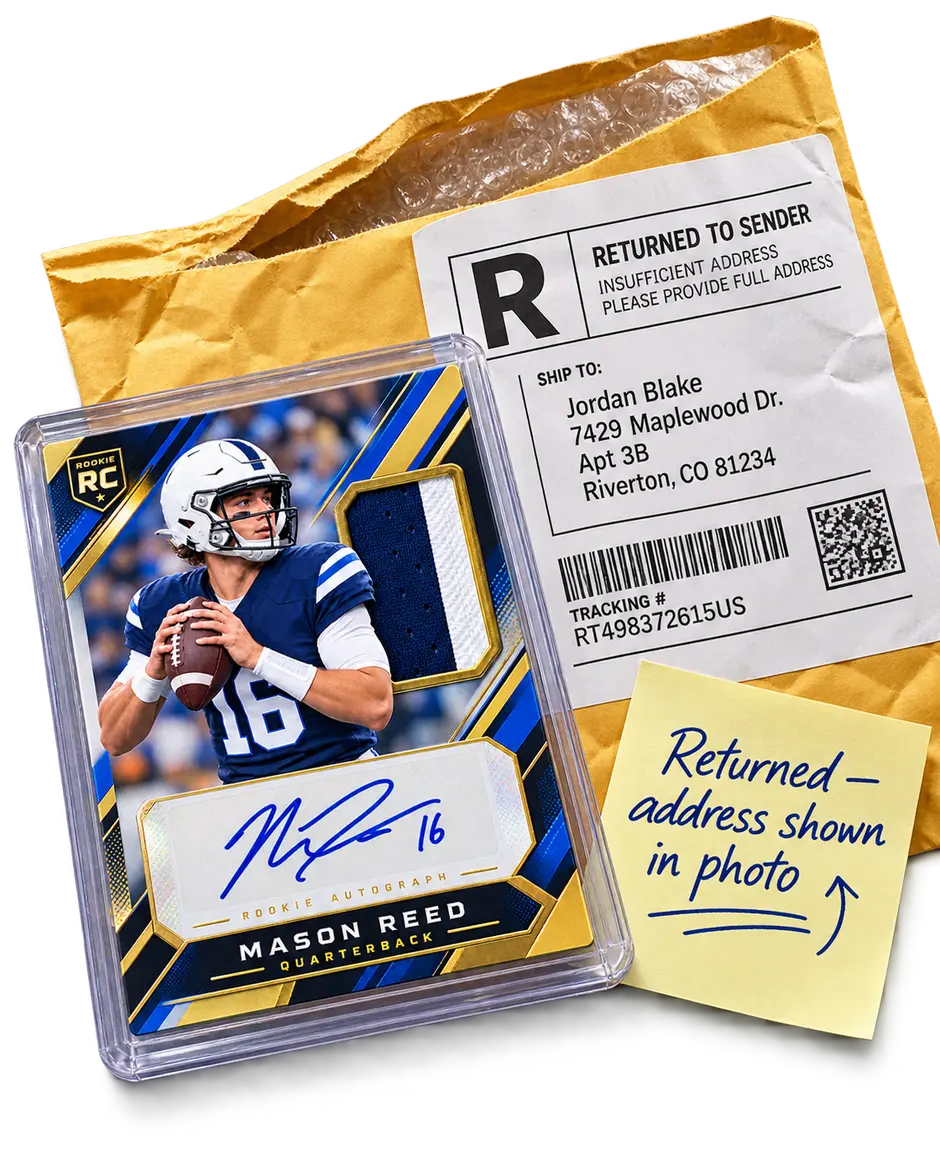
Stated market values implausible
Not a photography problem, but it is on the same form and it is worth knowing. Stated market value is your own arithmetic and we do not endorse it — but a manifest priced far from what the cards sell for makes the whole listing hard to trust, and the discount shown to buyers is calculated from it. Price it as you would if a buyer were going to check, because they are.
Getting the file right
- On an iPhone, photographs are HEIC by default and we cannot read them. Settings › Camera › Formats › Most Compatible saves as JPEG from then on. Photographs already taken can be exported as JPEG.
- Send the original, not a screenshot or a messaged copy. Sending a photograph through a messaging app to get it off your phone recompresses it and often shrinks it below the 1,000px minimum. AirDrop, a cable, or uploading from the phone itself all keep the original.
- Upload from the device that took them where you can. It is fewer steps and nothing is recompressed on the way.
What happens to them
Your browser makes three sizes before anything is sent: a thumbnail, one for the page, and a 2,600px copy for zooming and for evidence if a sale is ever disputed.
Location data is discarded in that step. Phones write GPS coordinates into photographs, and a collection is usually photographed at home. Remaking the image strips them as a side effect, so there is no version of the file with your address in it — the camera original never leaves your device.
If a listing comes back
You will get an email saying which of the five it was, and usually a note. Fixing it and submitting again puts you back in the queue rather than at the end of it. Nothing about a returned listing counts against you, and it is not visible to buyers.
If you think we got it wrong, say so — the reviewer is a person and the contact page reaches one.